
Trade on any device
Desktop web, mobile web, iOS, and Android — four ways to access the same full-featured broker platform. Paper trade on a demo delayed price feed, no real money.
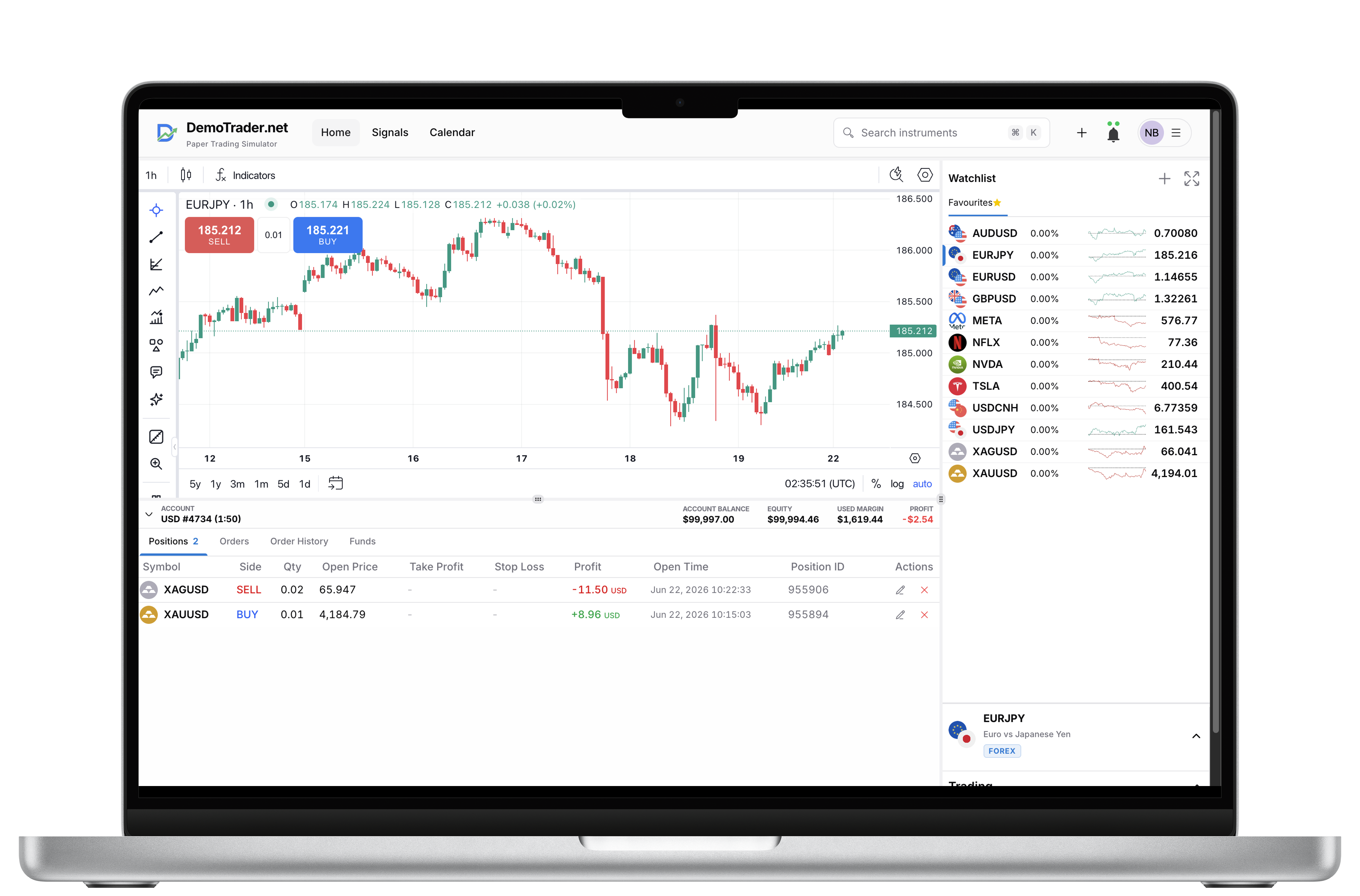
DemoTrader Web
Desktop only
Launch the full trading platform in your browser — built for large screens, keyboard shortcuts, and multi-panel layouts. No install required.
- Full charting with multiple timeframes and indicators
- Advanced order types, positions, and account tools
- Multi-watchlist and market depth views
- Best on desktop browsers — Windows, macOS, and Linux
DemoTrader App
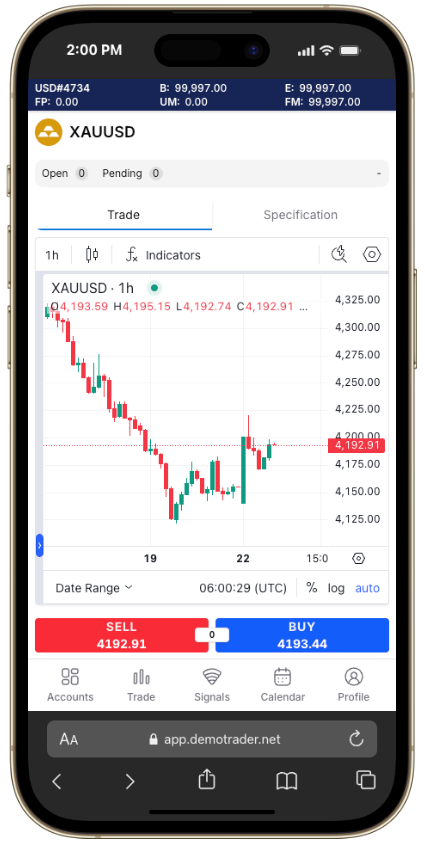
Mobile first
Trade from any mobile browser with a touch-optimised interface. Add to your home screen for an app-like experience — no App Store required.
- Touch-first charts, trade ticket, and position manager
- Works on any modern mobile browser
- Add to home screen for quick access
- Same account syncs across all platforms
DemoTrader for iOS
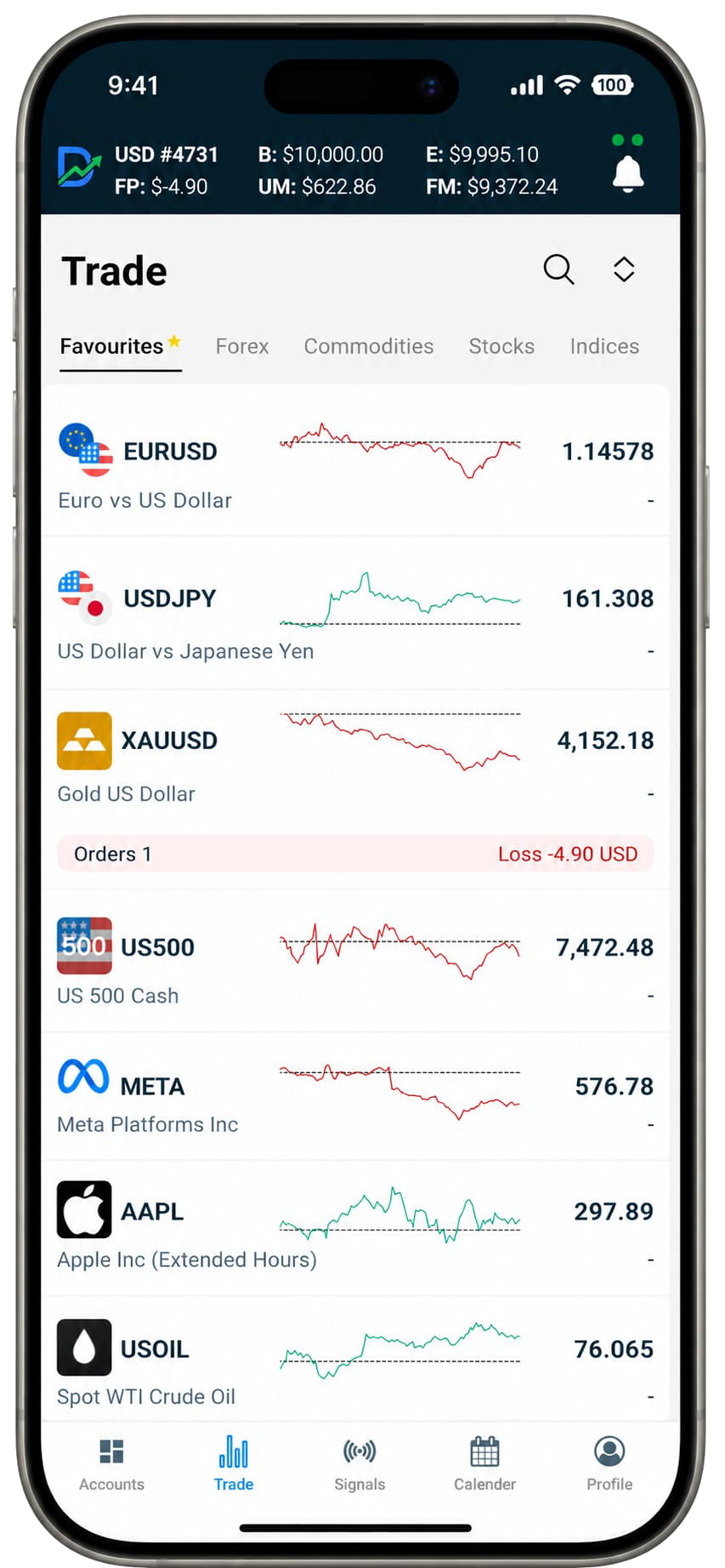
Native iPhone & iPad
Download the native iOS app for the smoothest mobile experience — push notifications, biometric login, and offline-ready performance on iPhone and iPad.
- Native performance optimised for Apple devices
- Face ID and Touch ID sign-in
- Push alerts for price moves and order fills
- Full-featured charts and trading on iPhone and iPad
DemoTrader for Android
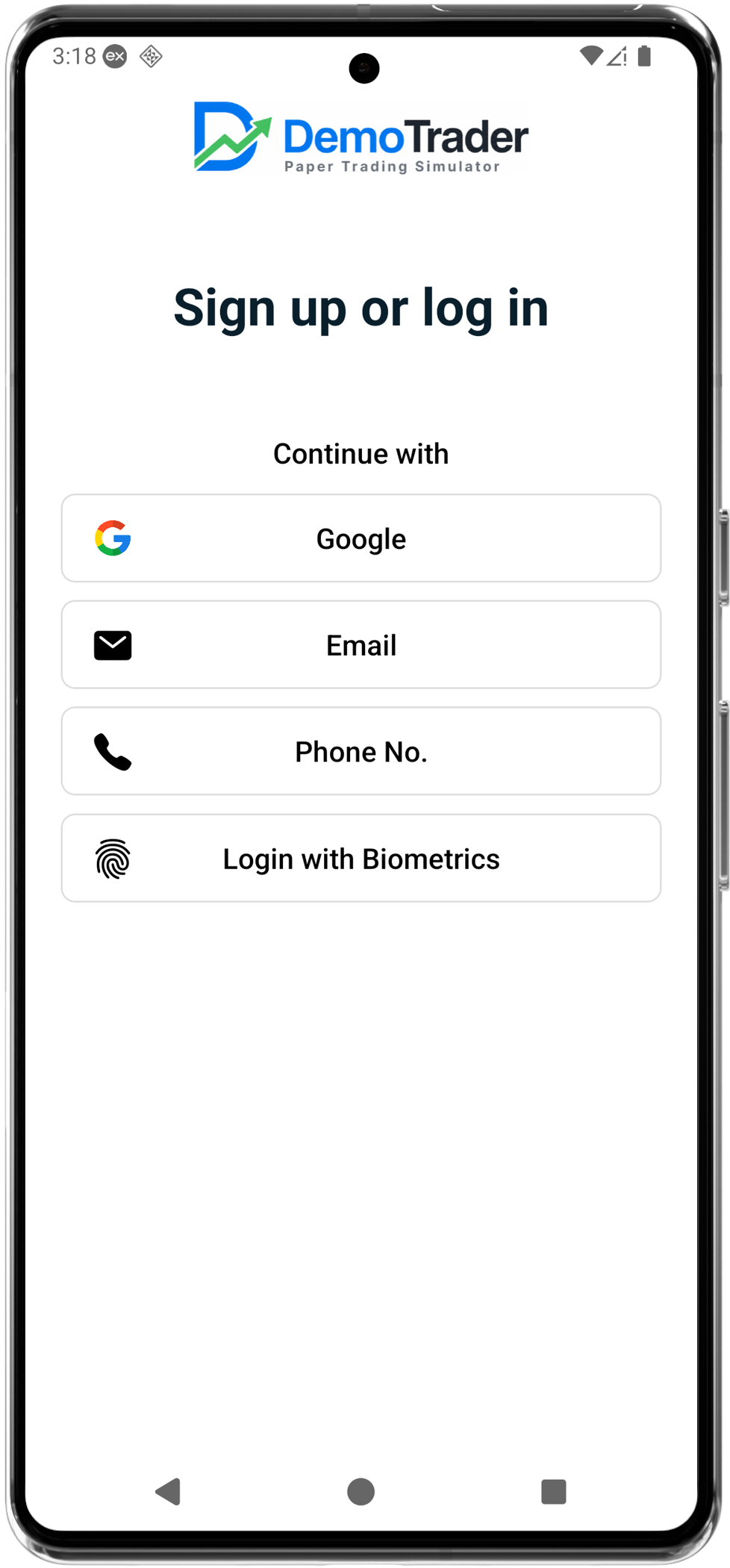
Native Android app
Get the native Android app from Google Play. Trade on the go with a full-featured mobile terminal built for Android phones and tablets.
- Native Android app from Google Play
- Fingerprint and biometric authentication
- Real-time quotes and paper trading on the move
- Optimised for phones and tablets
Pick the platform that fits your workflow
Use desktop web for deep analysis, mobile web for quick checks, or native apps for the best on-the-go experience.
Not sure where to start?
On desktop, open web.demotrader.net. On your phone, try the native app or m.demotrader.net — same account, same markets, same paper trading environment.